

PakSuper Game APK Withdraw Money From the Game App
Withdrawing money from the PakSuper Game APK can vary depending on the specific version of the app or website you are using. Different PakSuper Game branded platforms may have different withdrawal methods, minimum amounts, verification requirements, and processing times. Before making a withdrawal, make sure you are using the official and legitimate version of the service.
Step 1: Open the PakSuper APK
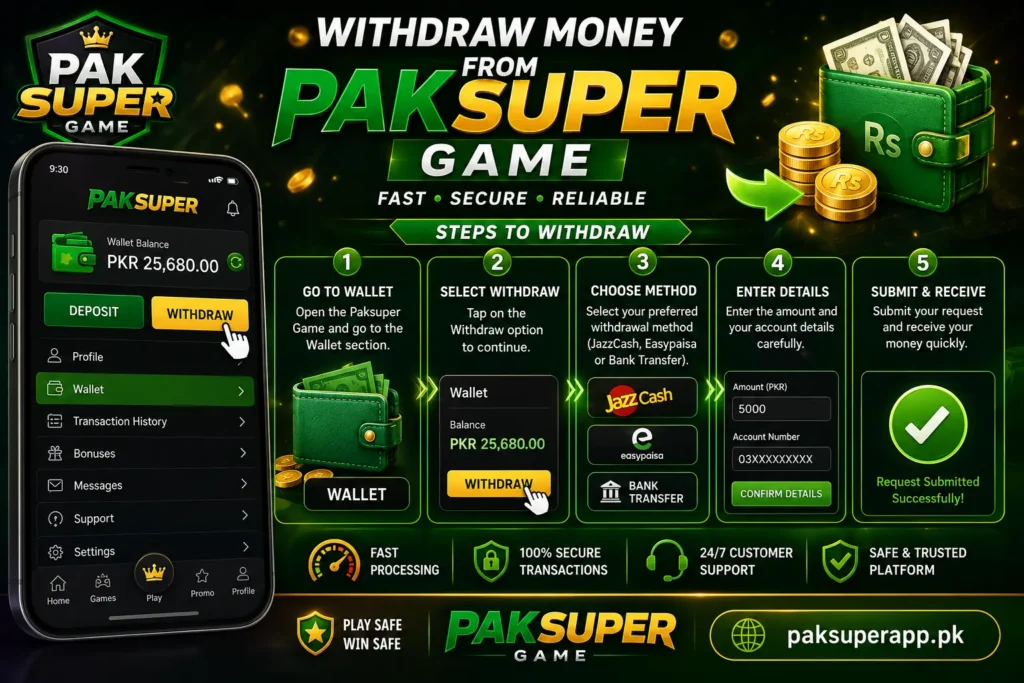
First, open the PakSuper Game APK on your Android phone and log in to your account using your registered mobile number, username, or other login details. After logging in, look for an option such as Wallet, My Account, Balance, or Profile. The exact name and location can differ between versions of the application.
Step 2: Check Your Available Balance
Before requesting a withdrawal, check your account balance. Some platforms distinguish between your total balance, bonus balance, and withdrawable balance. For example, promotional or bonus credits may have additional wagering or usage requirements before they can be withdrawn. Therefore, make sure the amount shown as available for withdrawal is sufficient.
Step 3: Open the Withdraw Section
Go to your Wallet or Account section and select Withdraw. You may be asked to choose a withdrawal method. Depending on the version of PakSuper you are using, available options may include Pakistani mobile-wallet services such as JazzCash or Easypaisa, or other payment methods.
Step 4: Enter Your Payment Details
Select your preferred payment method and enter the required information.
For a mobile-wallet withdrawal, this normally includes your registered wallet/mobile number and the amount you want to withdraw. Enter the number carefully. Sending money to an incorrect account can create problems recovering the funds. If the platform requires the payment account to be in your own name, make sure the account details match the information registered with PakSuper Game.
Step 5: Enter the Withdrawal Amount
Enter the amount you want to withdraw. Check the platform’s minimum and maximum withdrawal limits before submitting the request.
Some PakSuper Game branded websites advertise a minimum withdrawal amount of around Rs. 1,000, but this is not necessarily the rule for every APK or website using the PakSuper Game name. Also check whether a withdrawal fee is deducted. If a fee applies, the amount you actually receive may be lower than the amount requested.
Step 6: Complete Verification
Some platforms require account verification before processing a withdrawal. This can involve confirming your phone number, completing KYC verification, or providing other account information. Only provide sensitive personal information through a legitimate, trusted service. Be particularly careful if an unfamiliar person contacts you through WhatsApp, Telegram, or social media and asks for your password, PIN, or OTP.
Step 7: Submit the Withdrawal Request
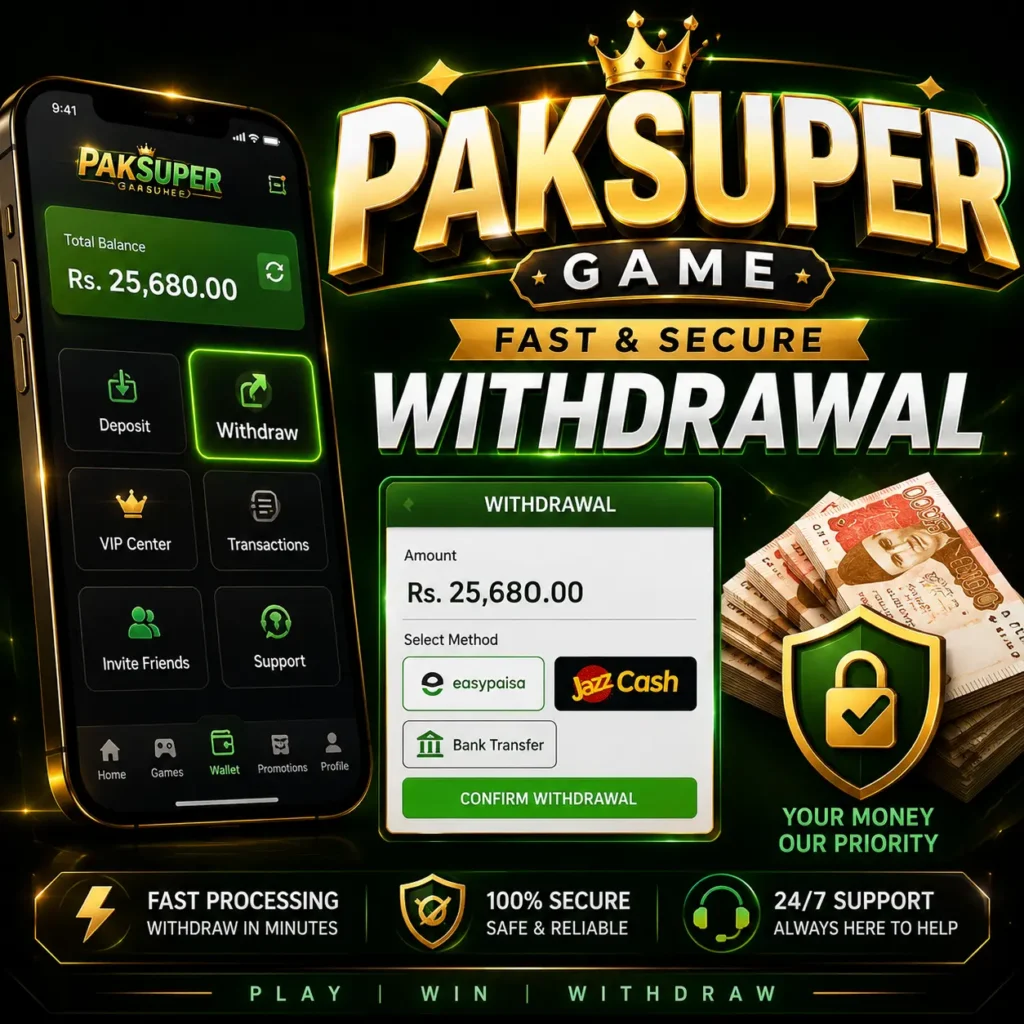
After entering all the information, carefully review your payment number and withdrawal amount. Then select Withdraw, Submit, or the equivalent button. After submission, the request may appear as Pending, Processing, or Completed in your withdrawal history. Processing times can vary. Some platforms claim that withdrawals are processed within minutes, while others may take several hours or up to 24 hours.
If Your Withdrawal Is Pending
Do not immediately submit multiple withdrawal requests. First check your transaction history and confirm that the original request was successfully submitted. If the withdrawal remains pending beyond the platform’s stated processing period, use the platform’s official customer-support channel. Keep a screenshot of your transaction ID, withdrawal amount, and request status.
Important Safety Precautions
Be very careful with APK-based gaming or gaming platforms. The name “PakSuper Game is used by more than one website or application, so you should not assume that every APK with that name is operated by the same company. Most importantly, never pay an additional deposit simply to release your withdrawal unless you have independently verified that the charge is legitimate.
Requests for money described as an “unlocking fee, security deposit, tax, or verification payment” can be warning signs of fraud. Never share your JazzCash/Easypaisa PIN, ATM PIN, banking password, or OTP with another person. Customer-support representatives should not need your confidential authentication codes.
Finally, remember that money deposited into gaming or betting applications can be lost. Only use money you can afford to lose, and check whether the service is legal and authorized in your jurisdiction. If the Withdraw button is missing, your balance is locked, or your request is being rejected, the exact solution depends on the particular PakSuper Game APK you have installed